









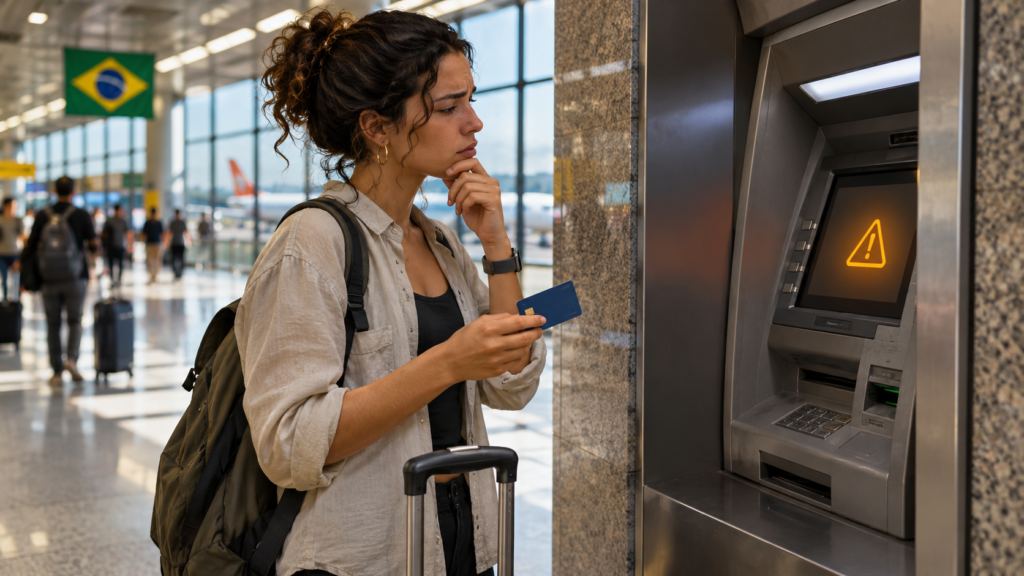
If an ATM in Brazil declined your card, note the message on the screen and check your card issuer’s app for a debit, a pending transaction, or a security alert. If the ATM didn’t give you cash and the attempt appears in your account, check its status and report the issue before trying another withdrawal.
Picture this. You’ve just arrived in Brazil, paid for something at the airport with your card, and decided to withdraw a few reais before heading to your hotel. At the ATM, the same card triggers a “transaction declined” message. Your purchase went through minutes earlier, so what changed between the two transactions?
If the message mentioned an incorrect PIN or an insufficient limit, you already have a clue about what to check. If the screen only said “transaction unavailable,” the issuer’s app or support team may help you determine whether the request reached the bank. Brasil ATM has put these checks in the order that helps you decide what to do next.
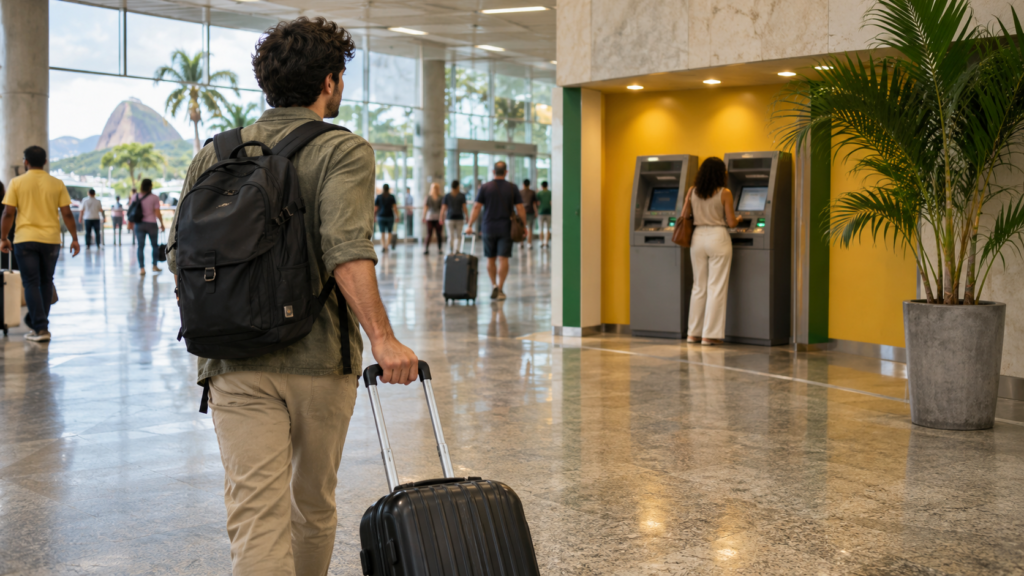
Why did an ATM in Brazil decline my card?
A withdrawal may be declined if international use isn’t enabled, your balance or withdrawal limit is insufficient, the terminal is incompatible, the PIN is incorrect, or there’s a security block. A communication failure can also interrupt the transaction. Start with the message on the screen to narrow down the cause.
Is my card enabled for international withdrawals?
A card issued abroad may work at hotels and restaurants while still having restrictions on cash withdrawals. Purchases and withdrawals are different transactions with their own permissions and limits under the issuer’s terms.
In the app, open the settings for the card you used. Look for options related to withdrawals, international use, or card settings. In an English-language app, these options may be labeled ATM withdrawals, cash withdrawals, or card controls.
If the app only shows that your card is active, ask support a specific question. “Is my card enabled for cash withdrawals at ATMs in Brazil?” Also mention whether it’s a debit, credit, or prepaid card. This helps the issuer check the rules for the right product.
If you’re using a credit card, ask whether the issuer allows cash withdrawals, also known as a cash advance, and what charges apply. Check this before using a credit card as an alternative to debit.
Do I have enough funds and a high enough limit for the amount requested?
If you see an “insufficient funds or limit exceeded” message, check three amounts. The first is your available balance or, for a credit card, the amount available for cash advances. The second is how much more your issuer lets you withdraw within that period. The third is how much the terminal allows per transaction.
| What to check | Where to check | How it affects your withdrawal |
| Available balance or cash advance limit | In the app or with the issuer | Shows how much you have available for the transaction. |
| Card withdrawal limit | In your card controls or with the issuer | This may be daily or monthly, depending on the product. Earlier withdrawals can reduce the remaining amount. |
| ATM limit per transaction | On the screen or with the ATM operator | Determines how much the ATM can dispense per attempt. |
| Fees and currency conversion | On the ATM screen and in the issuer’s terms | Help you understand the total cost, especially if your account is in another currency. |
Here’s an example. You want to withdraw R$ 600 and have the equivalent of R$ 1,000 in your account, but your issuer says you only have R$ 400 left on your daily withdrawal limit. In this case, the remaining limit prevents you from withdrawing R$ 600. Switching ATMs won’t change the issuer’s limit.
Before trying a smaller amount, check that the first transaction has ended and that you weren’t charged. If the terminal displays a flat fee, compare the cost of one withdrawal with the cost of making several smaller ones. Check your issuer’s fees as well.
Does the ATM accept my card?
Compare the card brand or ATM network shown on your card with the symbols on the terminal. A compatible network allows the request to be routed. Approval also depends on the card’s terms and the issuer’s authorization.
The message on the screen can help you decide whether to try another ATM. “Card not accepted” is a reason to check the card brand and look for a compatible terminal. “Service unavailable” may point to a temporary issue. If the message is generic, check the app before assuming the decline came from the ATM or the bank.
Pay attention to the transaction type you select. Some terminals ask you to choose debit, credit, or an account type. If the options don’t match what you know about your card, ask your issuer which one to select for withdrawals in Brazil.
Is my PIN correct, or did my bank block the transaction?
The ATM asks for your card PIN to authorize the withdrawal. If you’re unsure, look up the PIN in the app if that feature is available, or contact the issuer. Repeated attempts with different PINs can reach the maximum number of tries and block further transactions.
If the app shows the attempt was blocked for security reasons, follow the issuer’s instructions. Check whether the alert matches the time, amount, and location of your attempted withdrawal. If you don’t recognize the details, contact support through the app or another official channel.
An ATM on a different network may help if the problem is with the terminal. If the card itself is blocked, check with the issuer before trying again.
What should I do if an ATM declines my card?
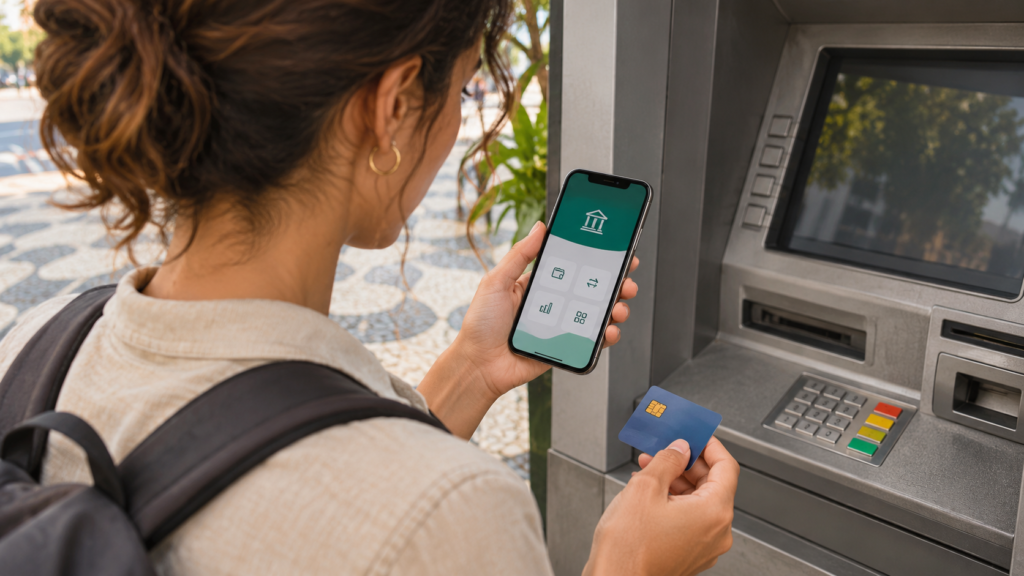
Read the message on the screen, check the attempt in the app, and address the issue indicated before making another withdrawal. If the transaction is pending or completed and you didn’t receive cash, deal with that issue first.
- Note the message on the screen. Also record the error code, if there is one. Keep any receipt the terminal prints. Protect your banking details when you note down the information.
- Open your card issuer’s app. Look for the time and amount of the attempt. Check whether it shows as declined, pending, or completed, or whether there’s no record yet.
- Check your card controls. Make sure the card is unlocked and international withdrawals are enabled. Check your remaining limit, especially if you’ve already withdrawn cash during your trip.
- Act on the message you received. If it points to a PIN issue, contact the issuer. If it points to incompatibility, look for an ATM on a network your card supports.
- Decide whether to try again. Make another attempt once you’ve addressed the likely cause and confirmed the earlier transaction isn’t pending and wasn’t debited. If the situation is still unclear, ask the issuer to check the attempt.
Quick steps
| What happened | What to do |
| The screen said the PIN was incorrect | Confirm your withdrawal PIN through an official issuer channel before trying again. |
| The ATM reported insufficient funds or a limit issue | Check your balance, available limit, and fees. If the previous attempt wasn’t debited and isn’t pending, consider withdrawing a smaller amount. |
| The terminal said it didn’t accept the card | Check the card brand or network and find a compatible ATM. |
| The app showed a security alert | Follow the issuer’s instructions or use an official support channel. |
| The ATM displayed a generic error message | Note the message, check the app, and ask the issuer to look into the attempt if the cause is still unclear. |
| The amount appeared in my account, but the ATM didn’t dispense the cash | Keep the transaction details and contact the issuer. Contact the ATM operator as directed. |
If the app doesn’t show the attempt, tell support and share the terminal’s message. Saying “the ATM displayed ‘transaction unavailable’ right after I confirmed R$ 300” gives them more context than simply saying your card stopped working.
The ATM didn’t dispense cash, but my account was debited. What should I do?
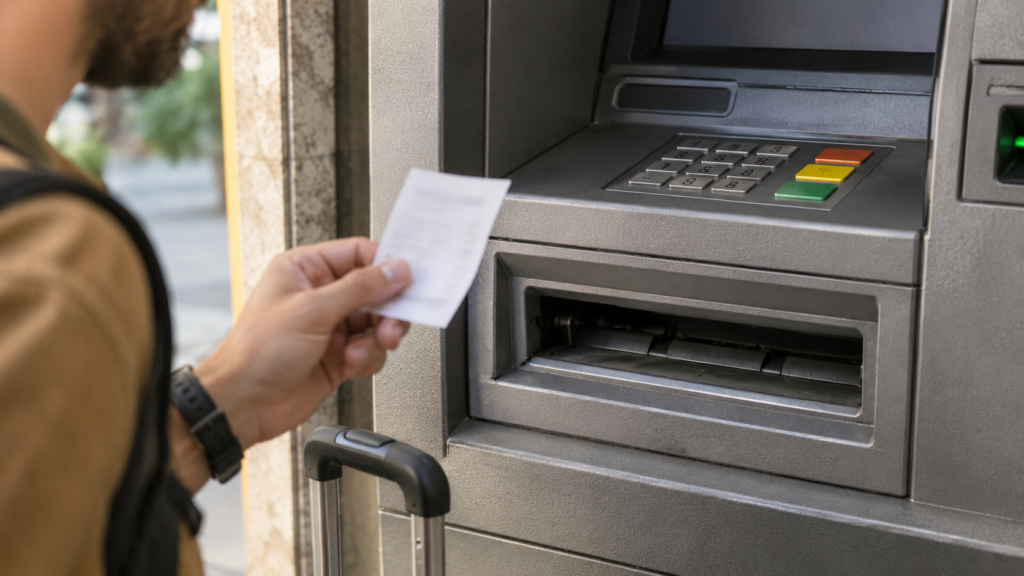
Keep the receipt if there is one, check whether the transaction is pending or completed, and report the issue to your card issuer. Follow any instructions about contacting the ATM operator. Avoid repeating the withdrawal while the first attempt is unresolved.
A pending transaction means the operation hasn’t been completed in the app yet. A confirmed debit appears as processed. Tell support which status you see, as it can affect how the issue is handled. For example, Wise asks customers to check the withdrawal status and gives different instructions depending on the status shown. Confirm the procedure for your card with its issuer.
If possible, note the following details before leaving the area.
- Date and time of the attempt, preferably in local time.
- Amount requested in reais and the amount shown in the app, if they appear in different currencies.
- Address and name of the establishment where the ATM is located.
- ATM operator and terminal ID, as indicated on the machine.
- On-screen message and receipt number, if available.
- Actual amount received, even if the machine dispensed only part of what you requested.
Give the issuer these details and explain that you attempted a withdrawal and received no cash or the wrong amount. If support asks you to contact the operator, look up the official page of the company that runs the ATM. For an ATM 24h terminal, use its official support page. See the ATM 24h support channels.
Keep the case reference number and ask how to track the investigation. If the transaction still shows as completed and you didn’t receive the money, ask the issuer whether you need to file a dispute and what documents to submit. Timing and next steps depend on the issuer and the transaction status.
Where can I try withdrawing reais if my card was declined?
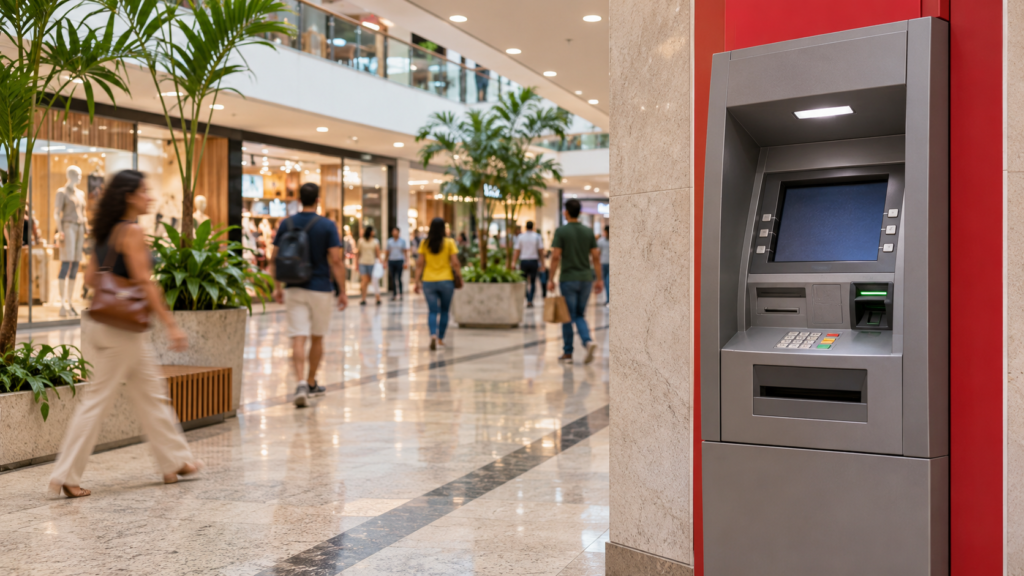
If the first attempt wasn’t debited or left pending and the issue appears to be with the terminal, look for another ATM compatible with your card. If the issuer confirmed a block, resolve it before switching ATMs.
According to the network, ATM24h machines dispense reais to holders of domestic and international Visa and Mastercard debit and credit cards. The official locator lists machines by state and city, along with their addresses and terminal IDs.
Before you leave, check the name of the establishment and when you can get in. At airports, for example, check whether the ATM is in the public area or a departures area. At hotels and shopping centers, confirm the access requirements. This helps you choose a location along your route.
At the terminal, check the amount in reais, the displayed fee, and any currency conversion terms offered. If you decide to stop before completing the transaction, end the session and retrieve your card.
Use the ATM 24h locator, select your city, and find a withdrawal point you can access along your route. Locate an ATM24h machine.
How can I avoid having my card declined on my next withdrawal?
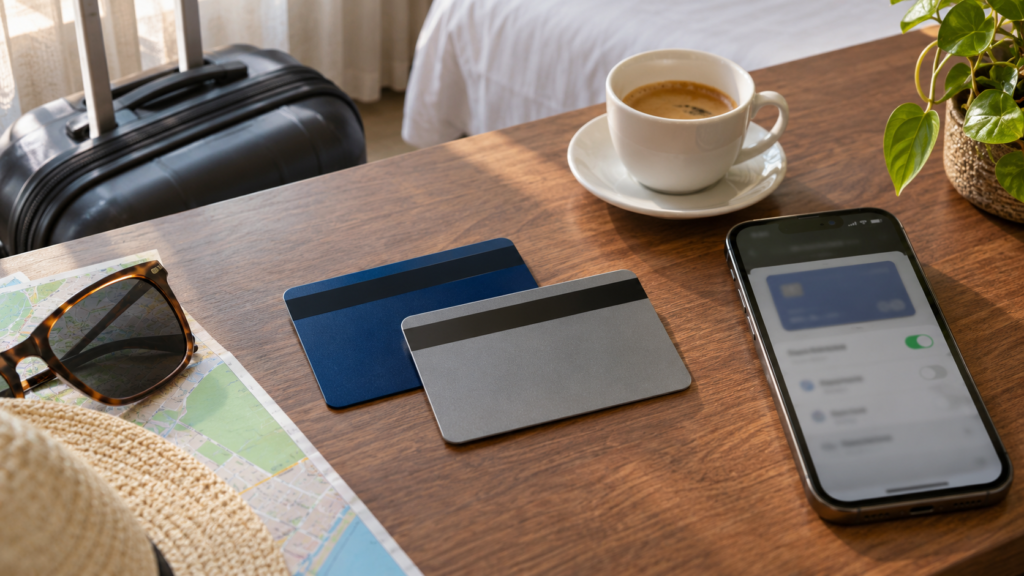
Before heading out to withdraw cash, confirm that your card allows withdrawals in Brazil, check your remaining limit, and find out which ATM networks are compatible. Keep the issuer’s app accessible during your trip so you can track transactions and respond to alerts.
- Check your withdrawal PIN. Use an official issuer channel if you need to look up or reset it.
- Check whether the issuer requires a travel notice. Ask whether there are specific settings for withdrawals in Brazil.
- Check your limit before choosing an amount. See how much you can still withdraw that day or month and when the limit resets.
- Compare the fees on two cards if you have the option. Check the international withdrawal fees and conversion rules for each one.
- Keep a second card available if possible. Confirm that it also allows cash withdrawals in case you need it.
- Identify an alternative withdrawal point. Choose an easy-to-access location, especially if you need reais before an appointment or while traveling.
If you need to contact the issuer during your trip, save its support details on your phone. When you get in touch, explain that this was an international withdrawal in reais and say whether the ATM declined the request, debited your account without dispensing cash, or retained your card. Each situation requires a different check.
What should you do next?
If an ATM in Brazil declined your card, the screen message and the status in the app can help you decide what to do first. Now, if your account was debited and you didn’t receive cash, report the issue. If the issuer identifies a PIN, security, or limit restriction, resolve it before returning to the ATM.
If the earlier attempt has ended and your card is enabled for withdrawals, choose a compatible terminal and confirm that you can access it before heading out. Open the ATM 24h locator now, look up your city, and find where to withdraw reais. Find an ATM24h machine.
Where to withdraw cash from ATM24h machines in Brazil
To make the most of your itinerary, it’s best to carry some cash. It helps make the trip smoother and more enjoyable. In some places, cash is essential for meals, transport, attraction tickets, and more.
The table below shows some ATM24h machines in the areas mentioned in this article:
| Where | Location |
| Curitiba International Airport | See all locations here |
| Guarulhos International Airport | See all locations here |
| Rio de Janeiro International Airport | See all locations here |
| Santos Dumont Airport | See all locations here |
Discover Brasil ATM
At Brasil ATM, we see Brazil as a place of unique beauty and fascinating culture. Our website, backed by the global brand ATM24h, reflects our love for Brazil. We aim to inspire travelers to explore its wonders safely and with the information they need.
We provide accurate, up-to-date, and inspiring information in three languages. You’ll find what you need to plan your trip with confidence, from travel guides and detailed itineraries to practical planning tips.
We want to help you make lasting memories. Let us show you Brazil’s natural and cultural beauty. Explore well-known destinations like Rio de Janeiro and São Paulo, and discover hidden gems like Lençóis Maranhenses and Fernando de Noronha. We’re here to help you make the most of your trip.
You may also like:
- Where can you find an ATM in English or Spanish in Brazil?
- ATMs in Copacabana: where to find ATM24h machines
- ATM in Guarulhos: where can you find one and withdraw Brazilian reais?
- What is the ATM withdrawal limit in Brazil?
Frequently asked questions about cards declined at ATMs in Brazil
Purchases and withdrawals may have different permissions, limits, and requirements. Your card may be enabled for international payments while cash withdrawals require separate authorization or have their own limit. Ask the issuer to confirm whether your card is enabled for withdrawals in Brazil.
Your balance is only one of the factors. The transaction may exceed your card’s limit or the maximum amount the terminal allows per withdrawal. Fees can also change the total. If the amount is within the limits and the withdrawal is still declined, ask your issuer whether a block or usage restriction applies.
Yes, if the message points to insufficient funds or a limit issue and the previous attempt wasn’t debited and isn’t pending. Check your remaining limit and the fees before confirming. If the decline involved your PIN, a security block, or an incompatible card, address that issue first.
Note the address and terminal ID and contact the issuer and ATM operator through their official channels. Ask the issuer whether to block the card and how to request a replacement if you need one during your trip. If it’s an ATM 24h terminal, have the terminal ID ready when you contact support.