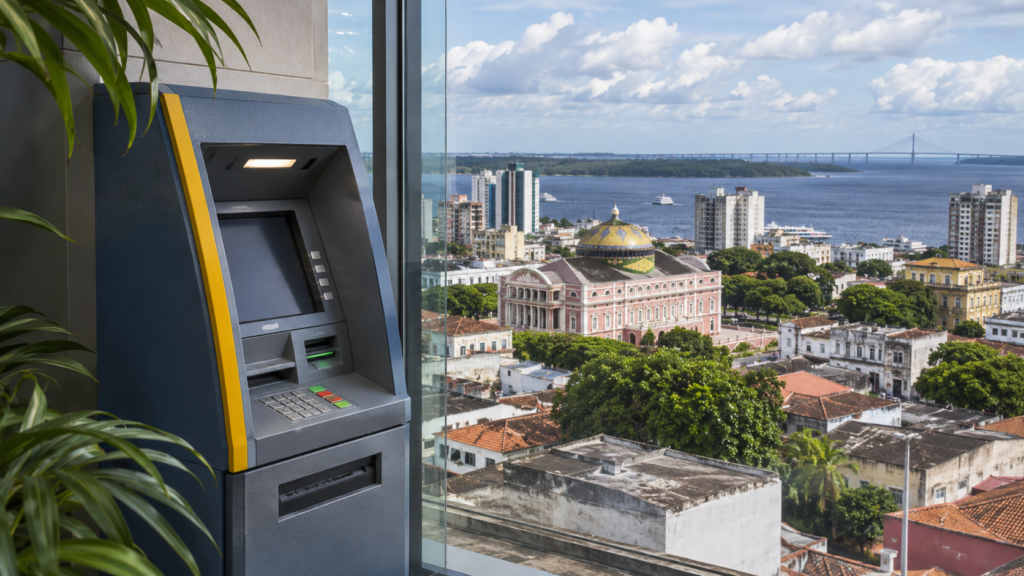








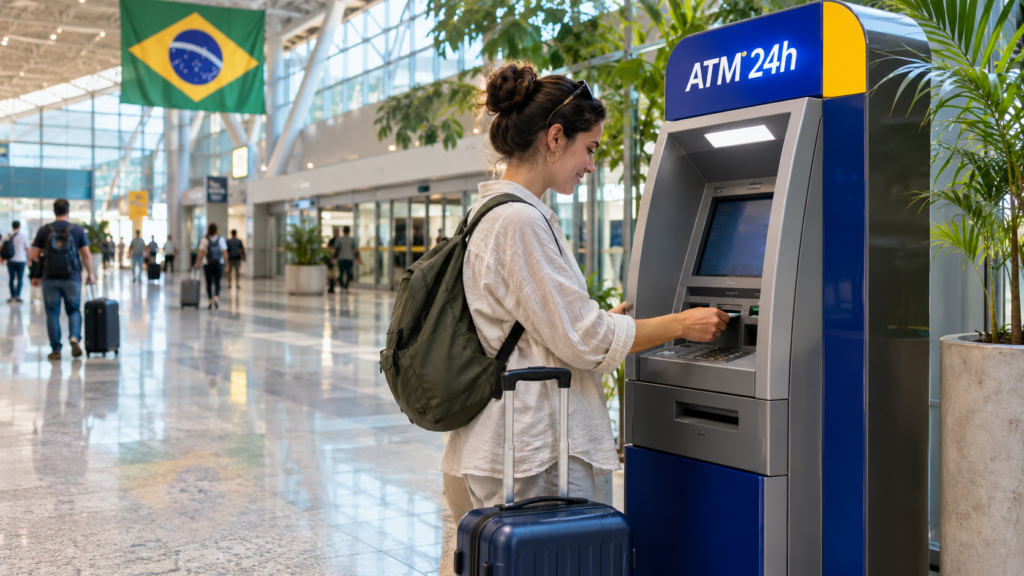
Want to know how to withdraw money in Brazil with an international card? Find an ATM24h machine and use a Visa or Mastercard debit or credit card enabled for withdrawals abroad. Choose the amount in Brazilian reais and review any fees and currency conversion terms shown on the screen before confirming the transaction.
Imagine arriving in Brazil after a long flight, collecting your luggage and realizing you need reais for your first expenses. Your card is in your wallet, but you still need to find out where the ATM is and whether your card is enabled for withdrawals abroad. The best time to check both is before boarding, with your card app and the list of ATM locations handy.
In this guide, Brasil ATM explains how to find a machine in the network, what to do at each step of the withdrawal and what to do if the transaction is declined. If you are already at the airport with your card in hand, start with the steps below.

How do you withdraw money from an ATM24h machine?
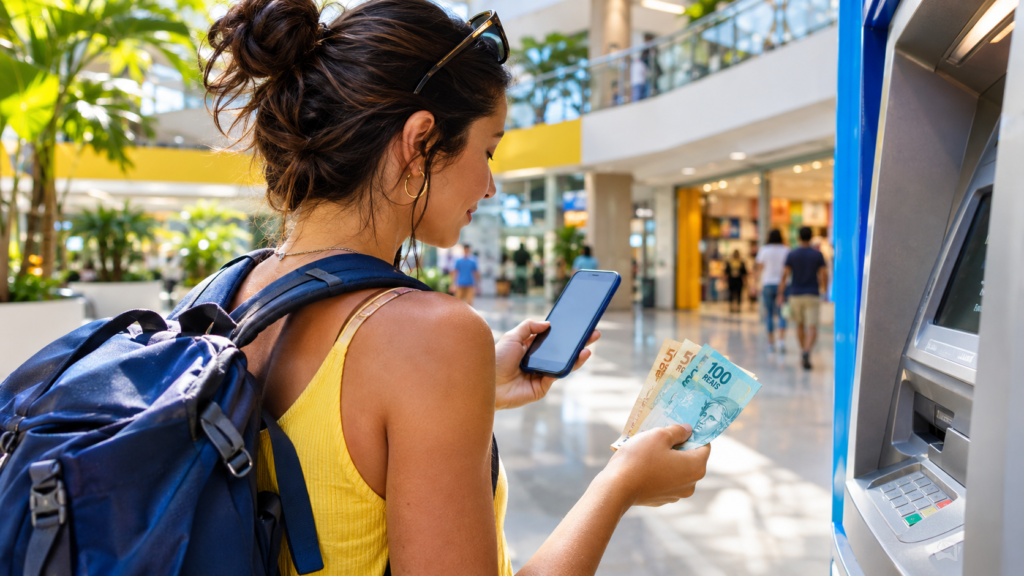
Find an ATM24h machine, insert your card, select the withdrawal option and enter the amount in reais. Read the transaction summary before confirming. When you are done, collect your cash and card in the order indicated by the machine.
- Find an ATM24h machine. Check the official list of locations and choose a site you can access. At an airport, check the terminal and the specific area as well.
- Insert your card and select a language if prompted. Choose the language in which you can most easily read the instructions and review the amounts.
- Select the withdrawal option. Enter your card PIN when prompted and cover the keypad with your other hand. Use the PIN designated by your card issuer for ATM transactions.
- Select or enter the amount in reais. If the machine offers preset amounts, pick the one that meets your needs. If it lets you enter a custom amount, check the digits before continuing.
- Review the transaction terms. Check how much cash you will receive, any ATM fee and the currency in which the transaction will be processed. If a conversion offer appears, read through the options before deciding.
- Confirm and collect your cash and card. Follow the order shown on the screen. If a receipt is available, keep it so you can check the transaction later.
If the menu is in Portuguese, these are the most useful terms to know during the withdrawal. The wording on the screen may vary by machine and transaction stage.
| Portuguese term | English equivalent | What it means |
| Saque | Withdrawal | Taking out cash. |
| Senha | PIN | The code your issuer tells you to use at the ATM. |
| Valor em reais | Amount in BRL | The amount of Brazilian currency requested in the withdrawal. |
| Tarifa | Fee | A charge displayed for the transaction. |
| Confirmar | Confirm | Accepting the option or amounts shown at that step. |
| Cancelar | Cancel | Stopping the current step or the entire transaction, depending on the option shown. |
| Comprovante | Receipt | A record of the transaction, when available. |
Make sure you have your card before putting away your wallet and leaving. If you decide to check the notes, do so discreetly. Then look for the transaction in your issuer’s app and keep an eye on it if it is still pending.
Where can you find ATM24h machines in Brazil?
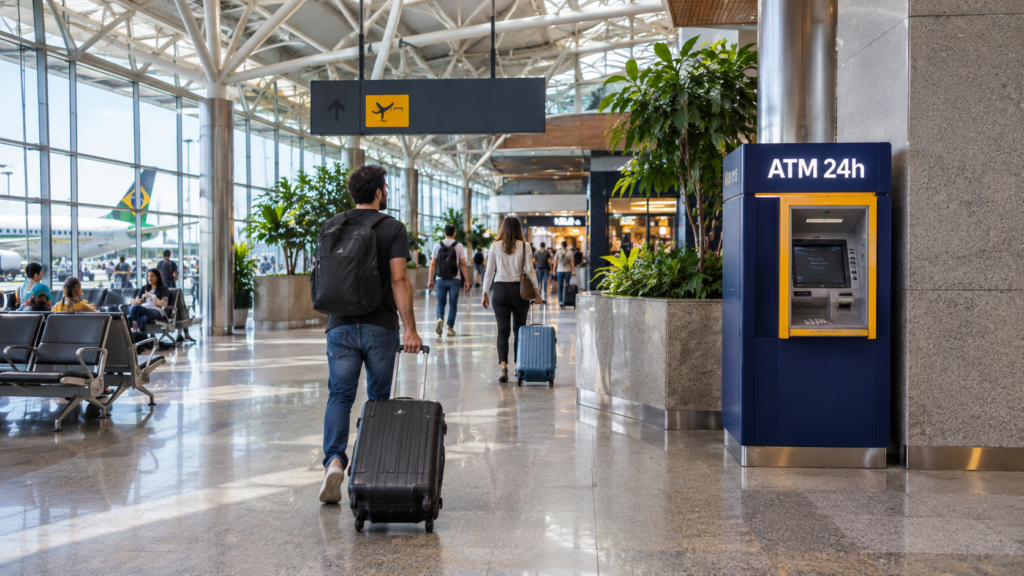
Go to the ATM 24h locations page and look for your destination state and city. The official list includes addresses and details to help you find each machine, such as the name of the hotel or airport or the area where it is installed.
The most convenient machine is usually one already on your route that you can access at the time. Think about where you will be at each stage of your trip before choosing a location.
| If you are… | What to check before going to the ATM |
| Arriving on an international flight | The terminal, baggage claim area and location relative to the exit to the public area. |
| Connecting between flights | Whether the ATM is in your terminal and whether you can reach it without leaving the restricted area. |
| On your way to a hotel | Whether there is an ATM at the hotel itself or at another accessible location along the way. |
| At a mall or shopping center | The address, opening hours and area where the machine is installed. |
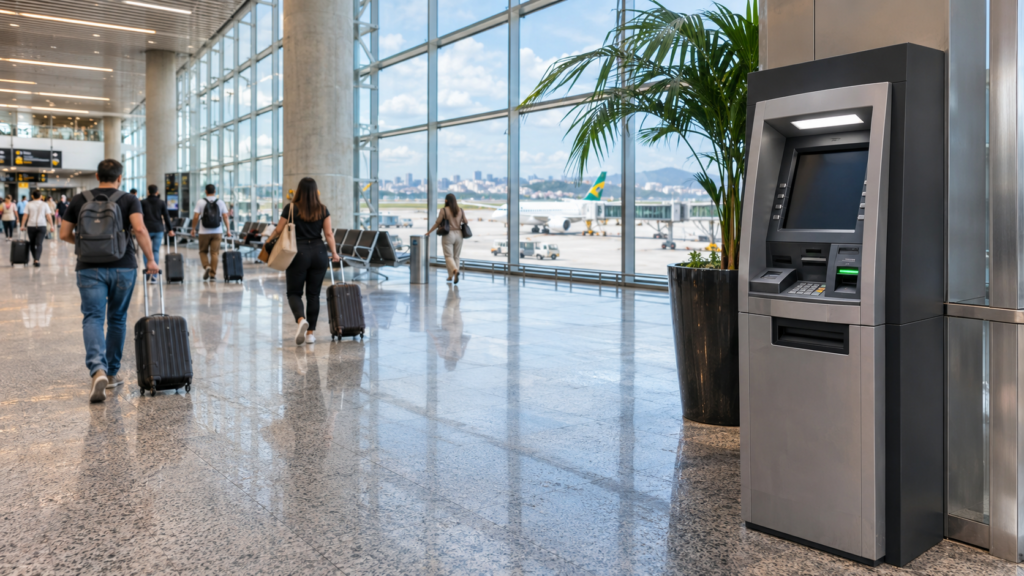
In Guarulhos, for example, there are ATM24h machines in Terminals 1, 2 and 3, as well as in other areas of the airport complex. A machine near the baggage carousels can be convenient if you are still waiting for your luggage. If you have already left the arrivals area, look for a machine you can reach from where you are. See the guide to ATMs in Guarulhos.
If your ticket only says “São Paulo,” check the airport code before looking up the address. GRU is Guarulhos, CGH is Congonhas and VCP is Viracopos, in Campinas. Brasil ATM lists locations at all three in its guide to ATMs at São Paulo airports.
Which international cards work at ATM24h machines?
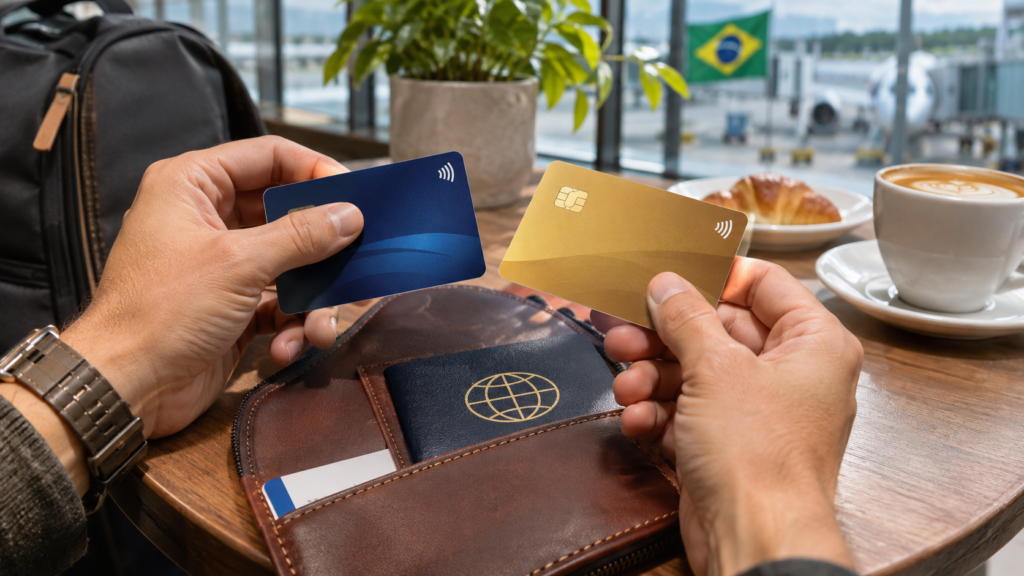
ATM24h machines accept international Visa and Mastercard debit and credit cards. The withdrawal also needs to be authorized by your issuer, which determines whether your card can perform this type of transaction in Brazil and how much you can take out. A card that worked to pay for your hotel, for example, may be subject to different rules for cash withdrawals.
Before traveling, check your card app or contact your card issuer about the following:
- Whether withdrawals abroad are enabled. Ask specifically about cash withdrawals at ATMs in Brazil.
- The PIN for withdrawals. Confirm which PIN to use, especially if you normally access your account only on your phone or with biometrics.
- Available balance or limit. For debit, check the balance available for the transaction. For credit, check the specific cash withdrawal limit.
- Issuer fees. Look up the terms for international withdrawals and, if a conversion applies, how the amount will be calculated in the currency of your account or statement.
- App access while traveling. Check that you can view your card details and receive any security alerts outside your home country.
What is the difference between withdrawing cash with a debit card and a credit card?
With a debit card, the withdrawal uses the balance in the linked account. With a credit card, the issuer may treat the transaction as a cash advance. This type of withdrawal may have its own limit and fee, and interest may accrue from the withdrawal date, depending on your agreement. The US Consumer Financial Protection Bureau (CFPB) highlights this distinction for cards subject to the terms described in its guidance.
| What to compare | Debit card withdrawal | Credit card withdrawal |
| Where the money comes from | The available balance in the linked account. | The credit line available for cash withdrawals. |
| What to check in the app | Balance, withdrawal authorization and overseas withdrawal limit. | Cash advance limit, fee and interest specified in the agreement. |
| Where to track the transaction | On the account statement. | In the card activity and on the statement. |
If you have both options, compare the terms for the amount you plan to withdraw. For a small expense, a flat fee can account for a sizable share of the total. For a credit card withdrawal, also check when interest begins and how the issuer calculates the amount due.
How much does it cost to withdraw money in Brazil?
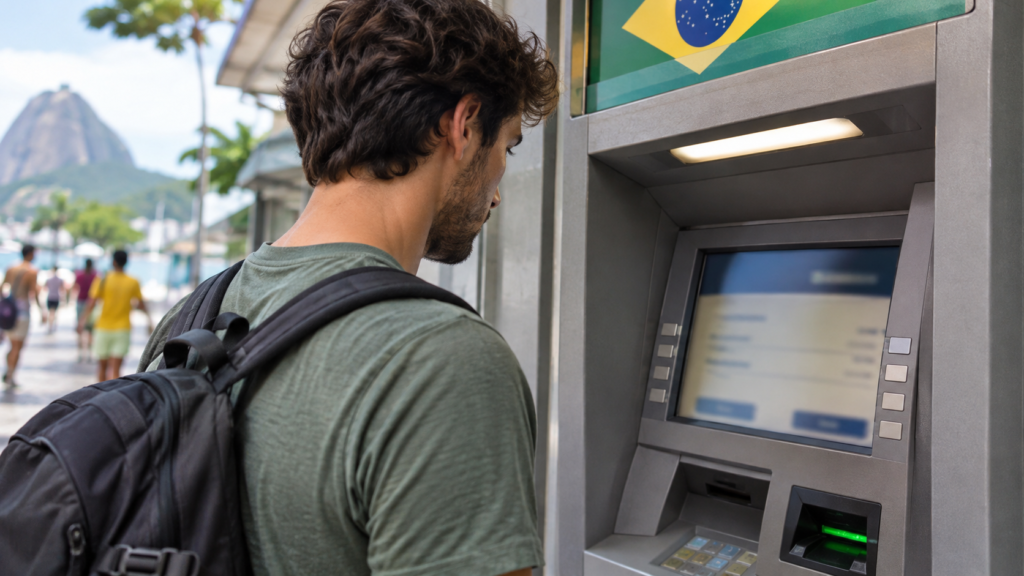
The cost depends on the ATM fee, your card issuer’s terms and any currency conversion that applies. Check your card terms before heading out and review the ATM24h machine screen before confirming. The cash you receive may differ from the total charged to your account or card statement.
What fee appears on the ATM screen?
If the ATM charges a fee for your withdrawal, review the amount shown on the screen before confirming. See whether it is listed separately from the cash you will receive and check which currency it is shown in. If you need more time to understand the summary, cancel the transaction before authorizing it.
Consider a hypothetical example. If you request R$300 and the summary shows an R$20 fee added to the withdrawal, you receive R$300 in cash and the transaction totals R$320 before any additional charges from your issuer. These amounts only illustrate how to read the screen.
If there is a flat fee per transaction, compare the cost of one withdrawal with that of several smaller ones. Consider how much cash you actually need, how much you plan to carry and what limits apply to your card.
What might your card issuer charge?
Your issuer may charge a flat or percentage fee for international withdrawals in addition to applying your card’s currency conversion terms. If you withdraw using a credit card, also check the cash advance rules. Your agreement may provide for interest from the withdrawal date, even if you normally pay for purchases by your statement due date.
To compare two cards, use the same amount in reais and check three things for each: the issuer fee, the conversion terms and, for credit card withdrawals, any applicable interest. In the app, look for terms such as international ATM withdrawal fee or cash advance feeif the menu is in English.
What should you do if the ATM offers currency conversion?
Check the billing currency, exchange rate and charges shown in the offer. If the screen offers to convert the transaction immediately into your card’s currency, this may be dynamic currency conversion, known as DCC. You still receive cash in reais. Your choice determines how the transaction is processed.
| Option on the screen | How it works | What to compare |
| Accept the conversion offered | The conversion service presents the transaction in the card’s billing currency. | The converted amount, the exchange rate used and any charges included in the offer. |
| Proceed in reais without accepting DCC | The transaction is processed in BRL. If any conversion is needed, it follows the terms that apply to your card. | The conversion terms and fees provided by your issuer. |
Read the full text before tapping the confirmation button. Declining the conversion and canceling the withdrawal are separate choices. Visa advises declining the conversion offer if the screen does not show the amounts in both currencies, the exchange rate or the additional charges.
What is the withdrawal limit at ATM24h machines?

The amount you can withdraw depends on the machine’s limit for that transaction and your card issuer’s rules. Your issuer may also set a daily limit or a limit for another period. Check both if the ATM offers a lower amount than you expected.
Imagine a traveler who needs R$600 but only sees options up to R$400 on the screen. Before splitting the amount into two withdrawals, they can check the app to see how much of their limit remains and review the fee for each withdrawal. If the card’s daily limit is the restriction, switching machines will not reset it.
If you plan to withdraw cash as soon as you arrive, check:
- The per-transaction limit and the amounts available on the screen.
- The card’s remaining withdrawal limit, especially if you have already made a withdrawal in the same period.
- When the limit resets, if your issuer sets a daily limit and there is a time difference.
- The cost of an additional withdrawalif you need to split the amount.
See the Brasil ATM guide to ATM withdrawal limits to find out which limit may affect your transaction.
What should you do if an ATM24h machine declines your withdrawal?
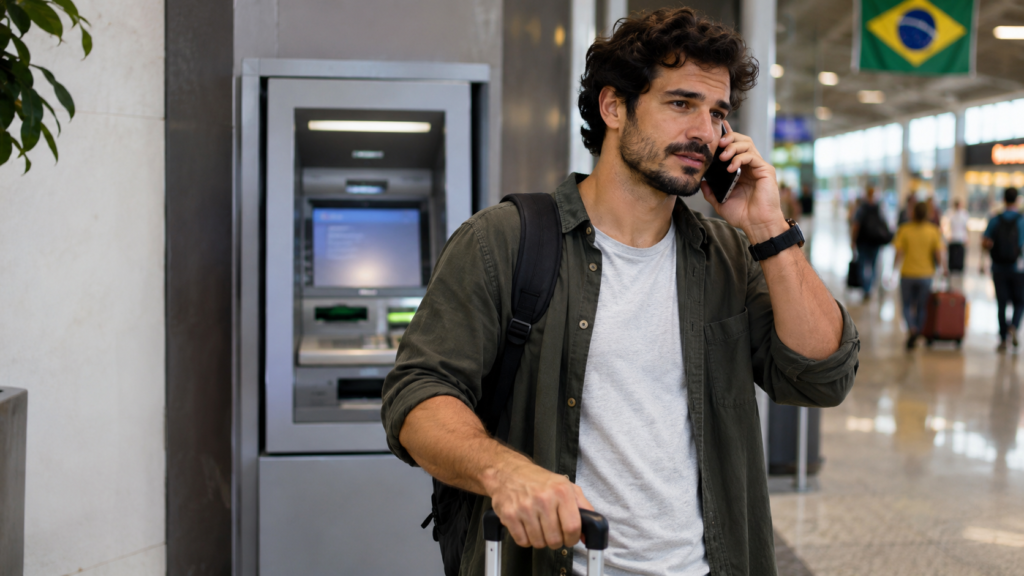
Read the message on the screen and check the issuer’s app for a decline, a block or a transaction posting. Check your balance, withdrawal limit and whether overseas withdrawals are enabled. The ATM’s supported card networks indicate compatibility, while your issuer may apply restrictions to your card or transaction.
| What happened | What to do |
| The screen says your PIN is incorrect | Stop trying and confirm with your issuer which PIN to use for withdrawals. |
| The requested amount is not listed as an option | Review the amounts available at the ATM and check your card’s limit before trying a smaller amount. |
| The app shows a security alert | Follow the instructions in the official app or contact your issuer using the channel indicated on your card. |
| The transaction was declined without a detailed reason | Note the message on the screen and tell your issuer the time, amount and location of the attempt. |
| The app shows a transaction, but you did not receive the cash | Record the transaction details and ask for an investigation before trying another withdrawal. |
What should you do if you were charged but the ATM did not dispense the cash?
Record what happened and contact your card issuer and ATM 24h through official channels. If you are at an airport and need to leave to catch a connecting flight, gather the machine details while you are still there.
- Note the date, time and amount requested. Include the currency, in reais, and the message shown on the screen, if any.
- Identify the machine. Record the address or the airport terminal and area. Note the machine ID if it is visible.
- Keep the receipt and a record of the charge. If the app shows that the transaction is pending, mention this when you contact support.
- Contact your card issuer. Explain that the cash was not dispensed and ask how to file and track a dispute.
- Report the incident to ATM 24h. Provide the machine details so support can identify the location. Official ATM 24h contact channels.
Keep the case reference number and monitor your account or card statement. When contacting support, keep your PIN and security code private. The location, machine and transaction details help identify the case.
How can you plan your first withdrawal in Brazil?
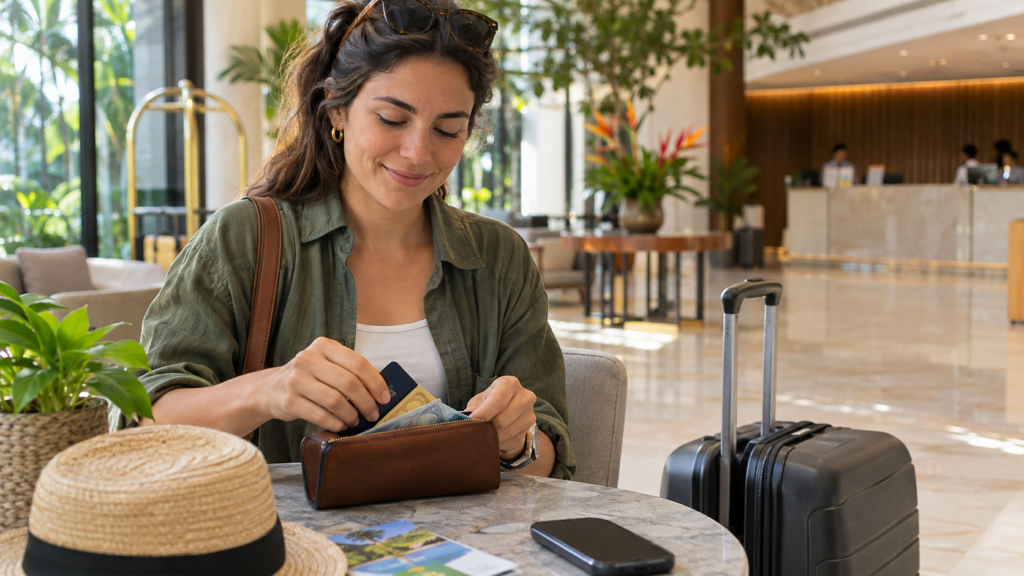
Before boarding, confirm that your international card is enabled for withdrawals and find an ATM24h machine at the airport, near your hotel or somewhere else along your route. At the ATM, select the amount in reais and check the fee and transaction currency before confirming. With this information on hand, you can decide how much to withdraw on arrival and move on to the next stop on your trip.
Where to withdraw cash from ATM24h machines in Brazil
To make the most of your itinerary, it is best to carry some cash. This helps keep your trip smooth and enjoyable. In some places, cash is essential for food, transportation, attraction tickets and more.
The table below lists some ATM24h machines in the areas mentioned in this article:
| Where | Location |
| Curitiba International Airport | See all locations here |
| Guarulhos International Airport | See all locations here |
| Rio de Janeiro International Airport | See all locations here |
| Santos Dumont Airport | See all locations here |
Discover Brasil ATM
At Brasil ATM, we see Brazil as a place of extraordinary natural beauty and fascinating culture. Our website, backed by the global ATM24hbrand, reflects our love for Brazil. Our aim is to inspire tourists to explore its wonders safely and with the information they need.
We provide accurate, up-to-date and inspiring information in three languages. We give you what you need to plan your trip with confidence, with travel guides, detailed itineraries and practical planning tips.
We want to help you make lasting memories. Let us show you Brazil’s natural and cultural beauty. Explore famous destinations such as Rio de Janeiro and São Paulo, and discover hidden gems such as Lençóis Maranhenses and Fernando de Noronha. We are here to help you make the most of your trip.
You may also like:
- ATMs in Recife: where to withdraw cash
- Where can you find ATMs in Fortaleza?
- Where can you find an ATM in English or Spanish in Brazil?
- ATMs in Copacabana: where to find ATM24h machines
Frequently asked questions about how to withdraw money in Brazil
You can use an international Visa or Mastercard issued abroad, provided the issuer authorizes withdrawals in Brazil. The ATM 24h network accepts international debit and credit cards from these networks for withdrawals in reais. Before going to the ATM, check that withdrawals are enabled and review your card’s limit.
ATM24h machines in Brazil dispense cash in reais. Even if the card is linked to a US dollar or euro account, the notes you receive are in Brazilian currency. Your account or statement currency helps determine how the amount is converted and posted.
Access depends on where the ATM is located. Before you go, check the venue’s opening hours and whether the machine is in a public or restricted area. At airports, also check the terminal and area, especially if you have already left the arrivals area. See ATM 24h locations.
BRL is the currency code for the Brazilian real, and R$ is its symbol. If two amounts appear in different currencies, identify which corresponds to the cash you requested and which corresponds to the charge shown in the conversion offer. Compare the exchange rate and charges before choosing.